| |
|
 |
CETS
Home |
 |
 |
 |
Support
Services |
| |
Account
Mgmt, Email, Spam Blocker, Quotas, Vacation Message, ... |
 |
 |
 |
Accounts |
| |
Email, PennKey, AirSEAS, Desktop, Meeting Maker, SRS, Blackboard, ... |
 |
 |
 |
Computing
Policies |
| |
CETS/Eniac Policy, Privacy, Acceptable Use, ... |
 |
 |
 |
Computer
Labs |
| |
Lab locations, lab schedules, lab reservations, ... |
 |
 |
 |
Multimedia
Support |
| |
Av Classrooms, Portable Multimedia Carts, Scanners, ... |
 |
 |
 |
Reporting
Problems |
| |
Get help with accounts, AV equipment, ... |
 |
 |
 |
Staff |
| |
Listing of current staff, New Faculty & Staff Guide to Computing, ... |
 |
 |
 |
Software |
| |
MSDN, Labs, Classrooms, Request Software, ... |
 |
 |
 |
Student Employment |
| |
Apply Online, Job Descriptions, Consultant Guide, ... |
 |
 |
 |
Search
Answers Database |
 |
 |
 |
View
Current Printer Queue |
| |
| |
|

|
 |
Reporting Problems
CETS provides computing support for the SEAS community. For Non-SEAS
support, please visit our Non-SEAS support page.
Please report problems with any of the following by e-mail to CETS,
speak to a consultant by visiting the CETS Office, 162
Levine Hall or calling 215-898-4707.
A more complete description of support services
is also available.
| |
Supported by CETS |
Supported by other
providers |
| Accounts |
seas (eniac), Pennkeys |
cis accounts, contact manager@cis.upenn.edu |
| AV equipment |
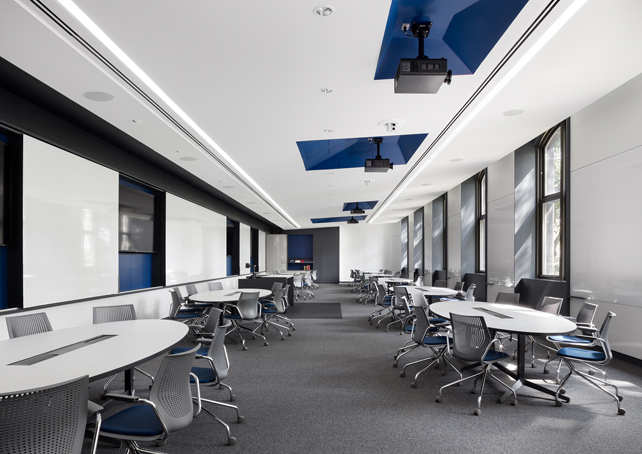
We provide technical support for all classes held
in Penn Engineering classrooms (including non-Engineering classes). |
Classroom
equipment descriptions,
all others |
- |
| Computers |
Computers in CETS labs, SEAS faculty and staff offices, and
LRSM |
Students personal computers, all others |
| Network Installations |
SEAS, LRSM, and IME offices |
All others |
| Software |
CETS network software |
All other software |
Problems with CETS labs, such as heating or air conditioning, should be
reported to Engineering
Operational Services during daytime hours by calling 898-5598 or emailing eos@seas.upenn.edu. Problems occuring
during evenings or weekends should be directed
to Physical Plant by calling 898-8686. You can also
report these problems to the consultant in the CETS
Office, 162 Levine Hall.
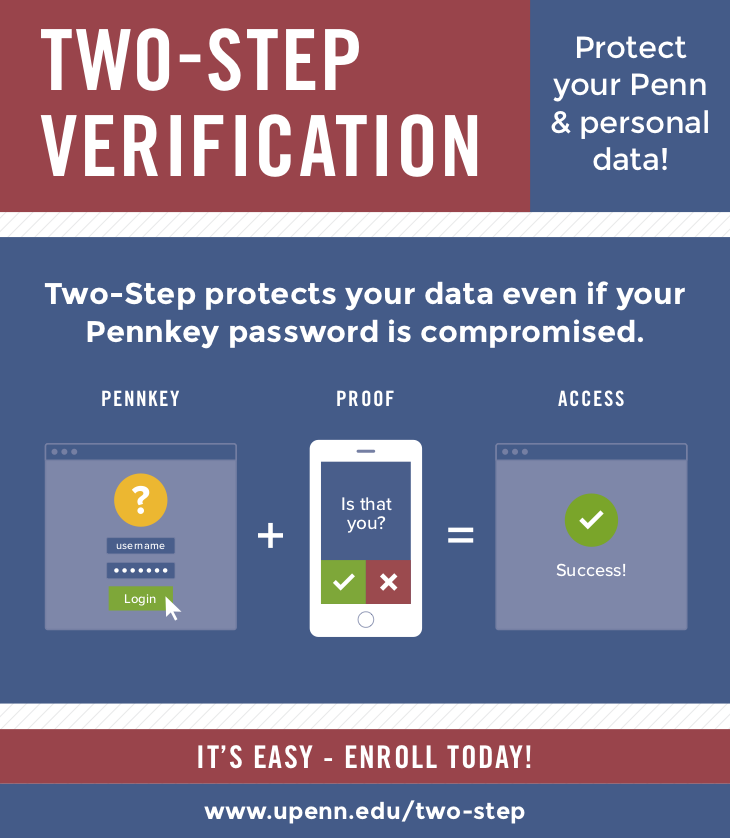
CETS provides PennKey support for Penn Engineering. Information on PennKey accounts can be obtained at the PennKey Site.
|
 |

cets@seas.upenn.edu
200 South 33rd Street
Levine Hall, Room 164
Philadelphia, PA 19104-6314
Phone No.: (215) 898-4707
|
|